Wan 3.0: Turn Your Ideas into Video
Create videos with Wan 3.0 from text, images, or multimedia references. Generate 2–30 second clips in 480p, 720p, or 1080p with optional audio.
Type @ to insert an uploaded reference.
Upload required media first
Example Gallery
See what you can create with image to-video
Visual Inspiration
Explore the shared AI gallery for style and composition ideas. These examples are not verified Wan 3.0 outputs.
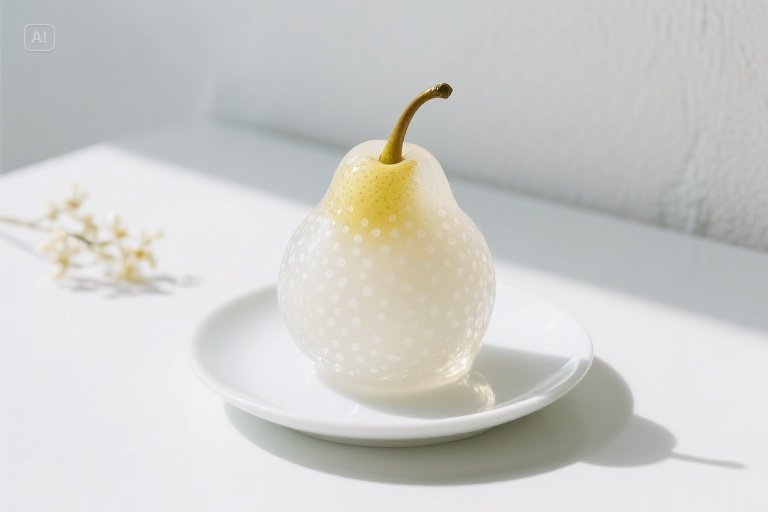

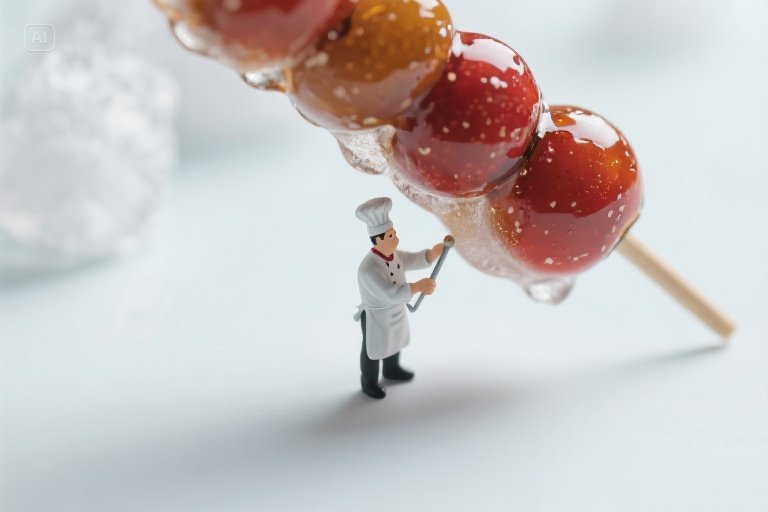
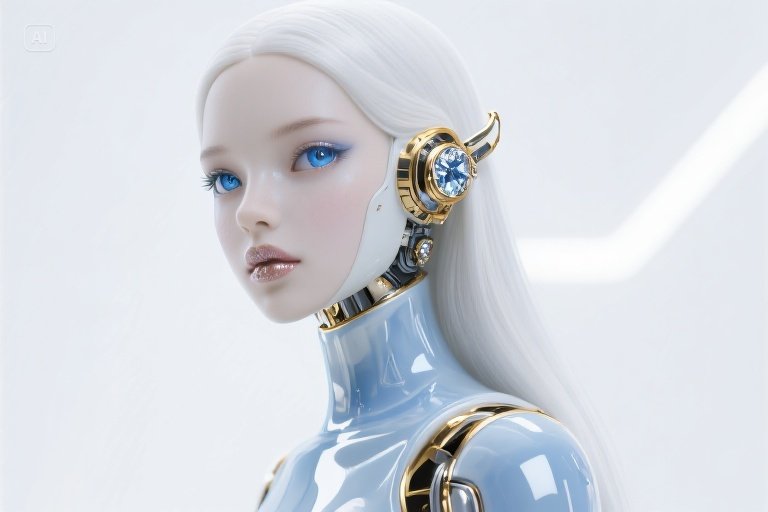
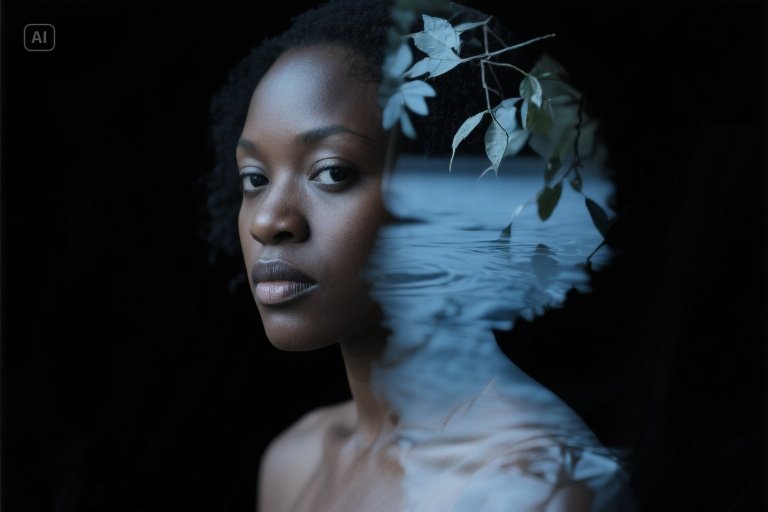

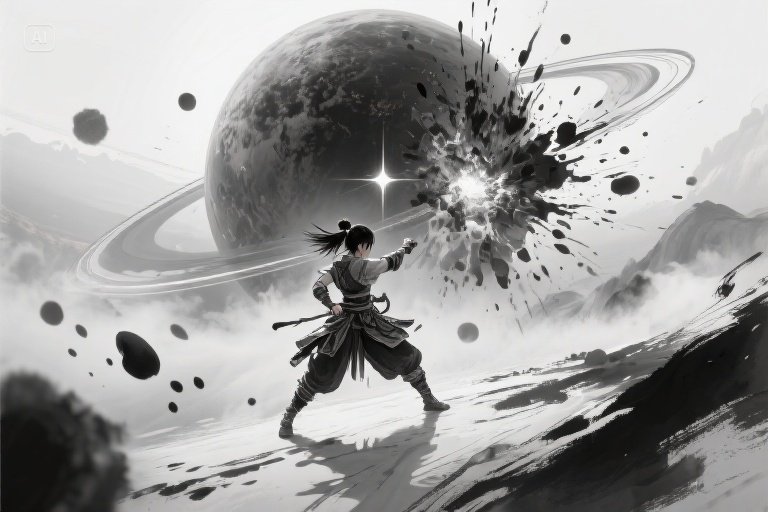
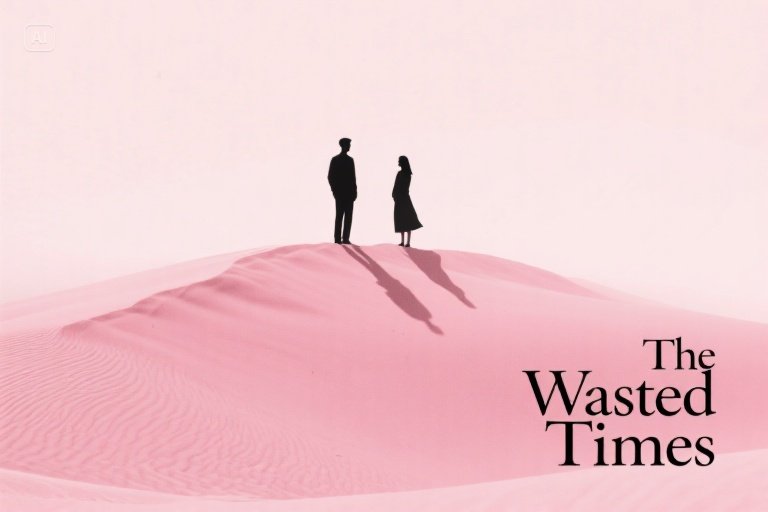
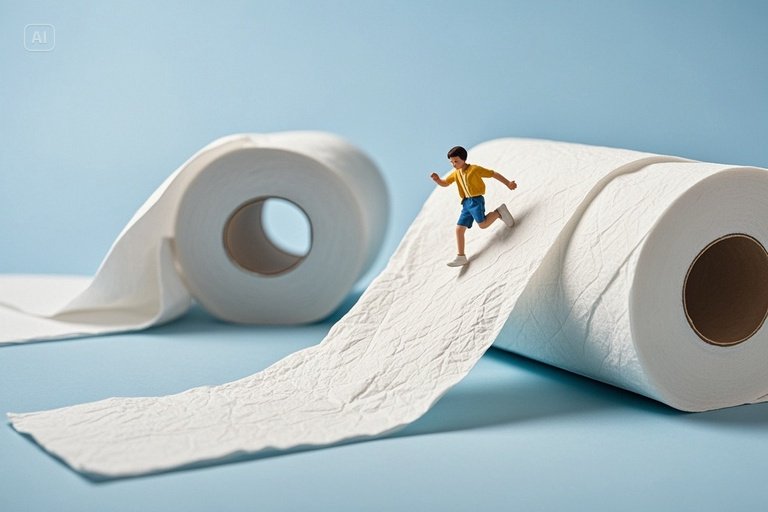
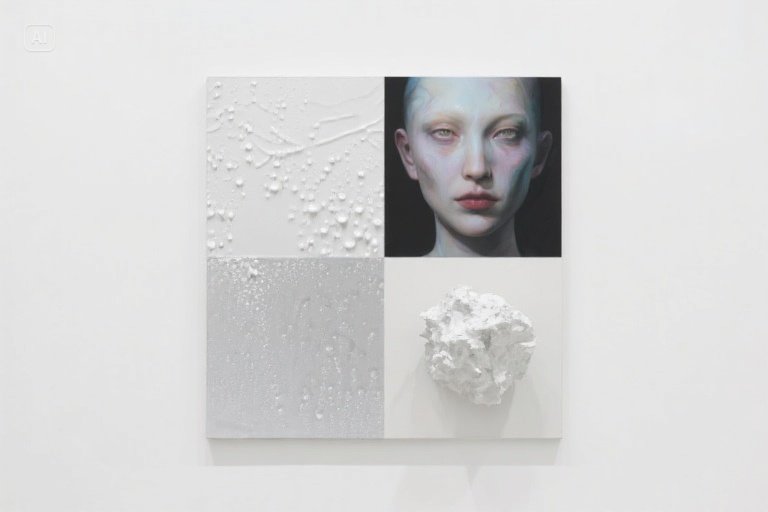
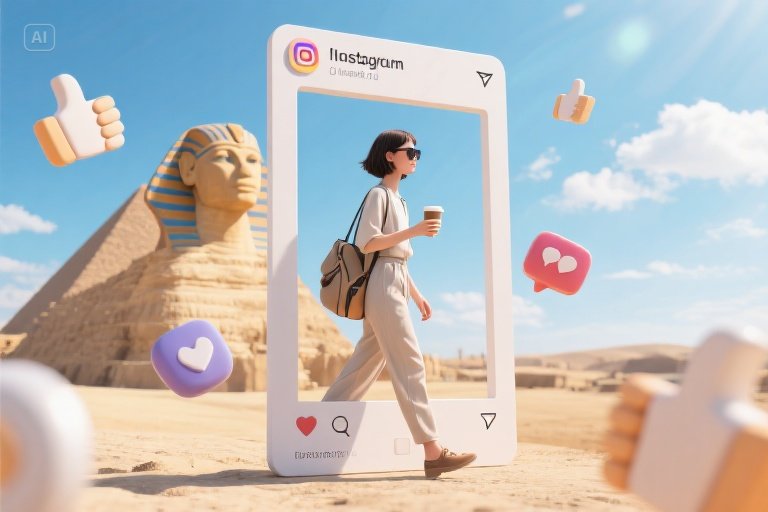
These AI-generated images and videos are synthetic content and do not depict real people or real events.
Wan 3.0 Capabilities
Choose the inputs that fit your idea
Text to Video
Describe the scene, subject, motion, and camera direction to create a video from a prompt.
Image to Video
Animate a starting image and optionally add an ending image to guide the final frame.
Multimedia References
Guide generation with up to 10 images, 5 videos, and 5 audio files in reference mode.
Create a Video in Three Steps
From your first idea to a downloadable clip
Choose a Mode
Start with image to video, or select text to video or reference to video and choose Wan 3.0.
Describe and Configure
Add your prompt and any required media. Choose duration, resolution, and whether to generate audio.
Generate and Download
Review the displayed credit cost, submit your request, and download the video when generation finishes.
Flexible Video Creation
Settings for different creative needs
Output Options
Choose 480p, 720p, or 1080p resolution and a duration from 2 to 30 seconds, subject to reference video limits.
Optional Audio
Enable generated audio when you need sound, or disable it for a silent clip.
Standard and Prime
Select Wan 3.0 or Wan 3.0 Prime in the model menu. Review the displayed cost before generating.
Ideas for Your Next Video
Explore practical creative workflows
Product Previews
Animate product images to explore movement, lighting, and different presentation ideas.
Social Content
Create short clips from prompts and visual references for your social channels.
Storyboards
Turn scene descriptions and reference images into motion studies for a larger story.
Frequently Asked Questions
Working with Wan 3.0
What can I create with Wan 3.0?
This page provides access to Wan 3.0 for text-to-video, image-to-video, and reference-to-video generation. Select the relevant mode and Wan 3.0 model in the generator.
What durations and resolutions are available?
Output duration is 2–30 seconds, with 480p, 720p, and 1080p resolution options. Reference video duration plus output duration must not exceed 30 seconds.
What are the reference limits?
Reference mode accepts up to 10 images, 5 videos, and 5 audio files. Each reference video must be 1–15 seconds long, and all reference videos together must total no more than 15 seconds.
Can I control the final frame and audio?
Image-to-video mode accepts an optional ending image. Generated audio can be enabled or disabled in the settings.
How are credits calculated?
The cost depends on the model variant, resolution, output duration, and reference video duration when applicable. Check the displayed credit cost before submitting.
Create Your First Wan 3.0 Video
Start with a prompt, an image, or multimedia references.
Choose your settings and review the cost before generating.